Volume profile indicators now available on Kraken Desktop
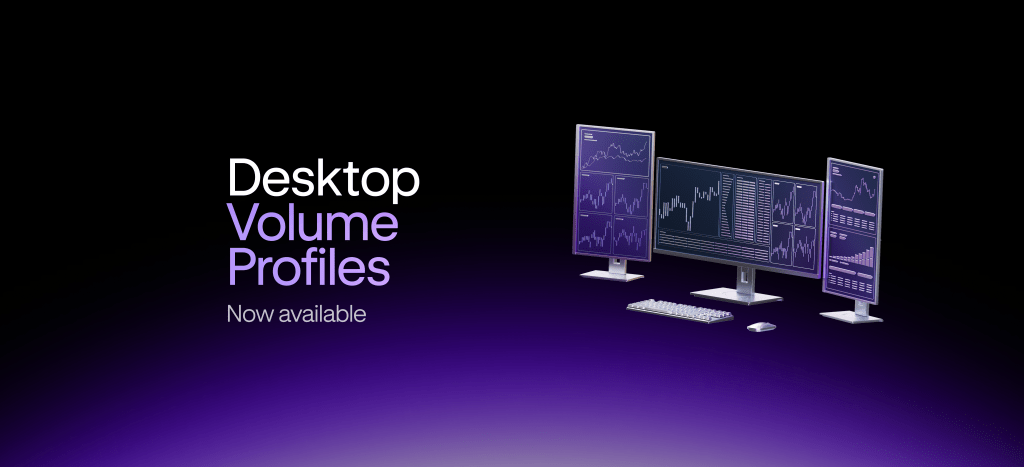
Kraken Desktop now includes four native volume profile tools—VPVR, VPFR, AVP, and SVP—allowing traders to analyze market structure and execute trades without leaving the platform.
Kraken has introduced four native volume profile indicators on its Desktop platform, giving traders integrated tools to assess market structure directly alongside their order execution.
The new indicators are Volume Profile Visible Range (VPVR), Volume Profile Fixed Range (VPFR), Anchored Volume Profile (AVP), and Session Volume Profile (SVP). They plot trade volume across price levels rather than over time, revealing the point of control, value area, and low-volume nodes.
VPVR is a chart-wide overlay that updates dynamically as the user pans or zooms. VPFR allows traders to draw a custom time-price box around a specific set of candles for detailed analysis. AVP anchors cumulative volume calculations from a chosen point—such as a high, low, or news event—forward. SVP automatically renders session-based profiles for each UTC day or equity session, with up to 90 days of history available on demand.
All four tools operate natively within Kraken Desktop, meaning analysis and trade execution occur in the same workspace. According to Kraken, this eliminates the need to switch between separate charting and trading applications. The desktop client runs on local compute, providing smooth rendering even during fast-moving markets.
The update positions Kraken Desktop closer to institutional-grade analytical capabilities, offering features that have traditionally been found in dedicated charting software.
Source: Kraken