Your first demo trade, before you even sign up
Open the terminal, say whether the price goes up or down, and your first paper trade is placed with a stop and a target sized to 1% risk — no account needed. Around it: beginner risk rules, guided tours, a review of every closed trade and a public trading record.
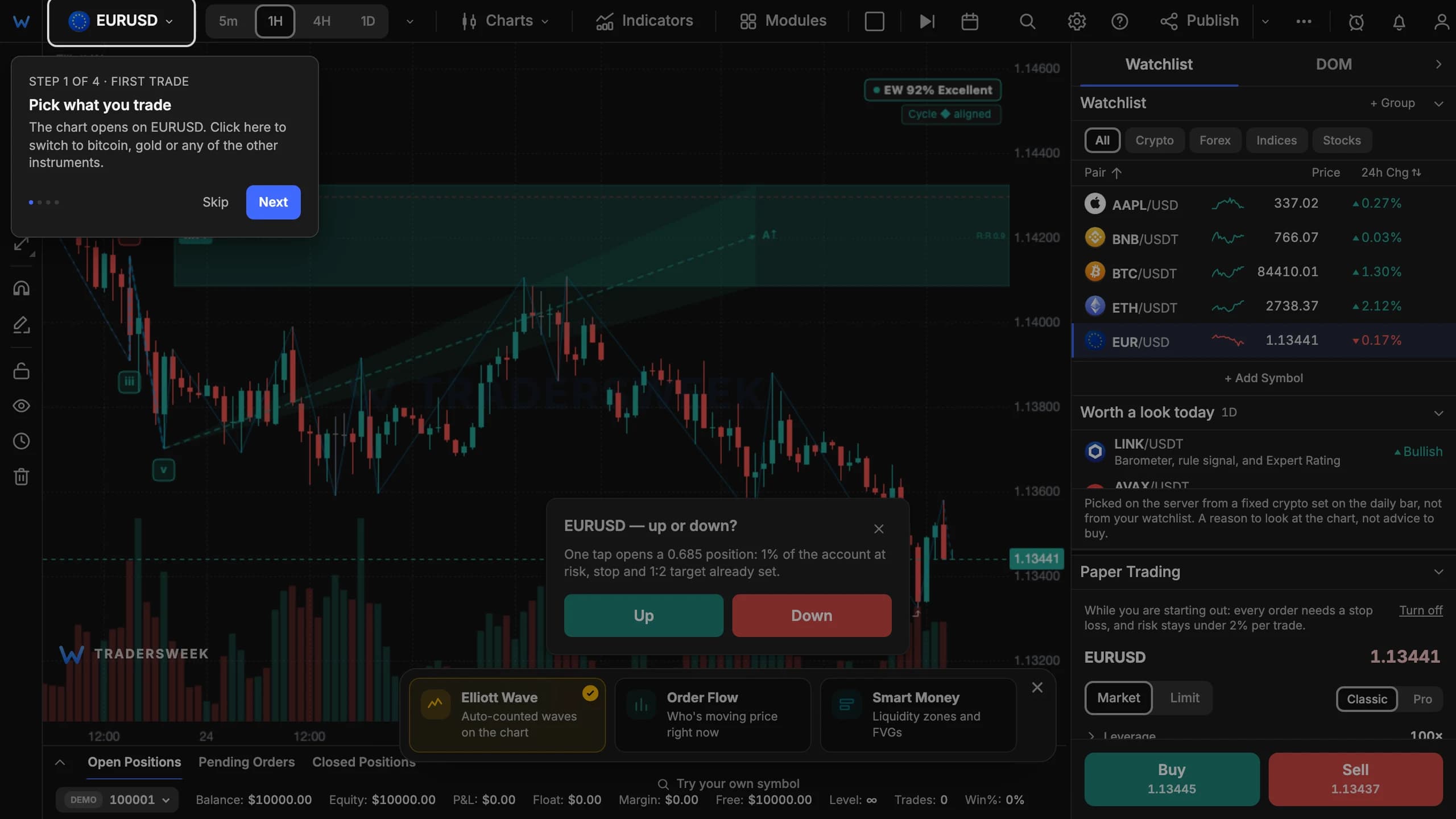
One question, one trade
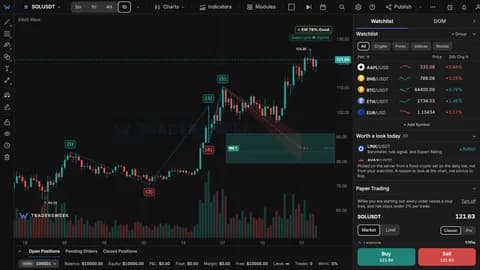
Open /charts without an account and a card asks one question: will the price go up or down? Answer it and the trade is placed on a guest demo account kept in your browser. The size is worked out from 1% risk, the stop sits 1.5 ATR(14) away, and the target twice as far as the stop.
One thing to know: guest trades stay in that browser. When you create an account, you start on a fresh demo account on our server, and the guest trades are not carried over into its record.
Risk first, lots later
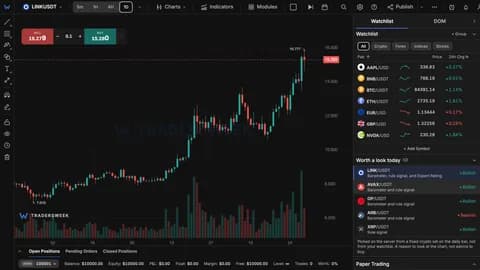
For new traders the order ticket starts from risk in percent rather than from lot size. Two rules come switched on: every order needs a stop, and a single trade can't risk more than 2% of the account. For guests they are checked in the browser, for accounts on the server. They never loosen a stricter limit you have set yourself, and once you switch them off they stay off.
Three tours
First trade, Read the chart and After the trade walk through the terminal one control at a time. Each step highlights one thing and moves on when you do it. They start from the ? button in the toolbar; on a phone, from More → Help and tours.
The chart templates dialog now opens with three built-in templates — Trend, Levels and Volume — for a clean start.
A review of every closed trade
When a trade closes, a card above the positions deck checks it against six rules:
- the trade had no stop;
- the risk was above your ceiling (2% by default);
- the risk was three or more times your usual trade;
- the loss came out well beyond what was planned — as if the stop had been moved;
- losing trades are held twice as long as winners;
- the trade was opened within five minutes of a loss.
Each rule stays silent until it has enough of your trades to judge, and the card shows no more than three at a time.
A trading record on your profile
Your public profile now carries a paper trading record: number of trades, win rate, average R, share of trades with a stop and maximum drawdown in R — never money or balance. It appears after 10 trades (before that, it shows progress towards ten), it can be hidden with a toggle, and resetting the demo account doesn't wipe it.
Added on 28 September: what was on the chart when you entered
For manual entries the review card now also keeps what was on the chart at the moment you clicked: the Wyckoff phase, the Smart Money zone (premium, discount or OTE), the Elliott wave and the Gann ray. It is a snapshot of the screen, not a recalculation after the fact. Wyckoff, Smart Money and Gann Tools Pro are Premium modules, so on a free account the record shows the Elliott wave only.