Trading from your phone: the full ticket on mobile, links that open it, and DEX on the go
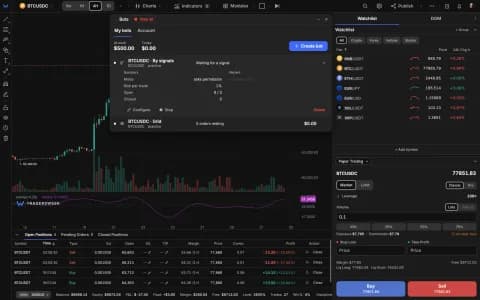
The terminal's Trading tab on a phone now switches between trading modes just like the desktop, a link can open a specific ticket straight on the Trading tab, and the DEX ticket and on-chain journal work on mobile with buttons sized for a thumb.

The Trading tab, complete
On a phone the terminal's Trading tab now has a switcher at the top between Demo and the other trading modes. The choice is shared with the desktop, so the mode you left on your laptop is the one you find on your phone. Outside demo, the tab hides the order book, positions and Buy/Sell bar that belong to the demo account, so you only see controls that apply.
Links that open the right ticket
Add ?ticket= to a terminal link and it opens with that ticket mode already selected. On a phone it goes straight to the Trading tab, so a link from an email, a post or a chat lands where you can act on it. A visitor opening a DEX ticket link without an account is asked to sign in first.
DEX trading on mobile
The DEX ticket and the on-chain trade journal now work on a phone, with touch targets at least 44 pixels high. If your browser has no wallet, the ticket offers open-in-wallet links for popular Solana and EVM wallet apps instead of asking you to install an extension.
Signing in
Visitors without an account now see a person icon in the terminal's top bar where the bell sits for signed-in traders; one tap opens sign-in. Open the terminal on your phone to try it.