Elliott Wave: how many counts agree, and the count stays on its own chart
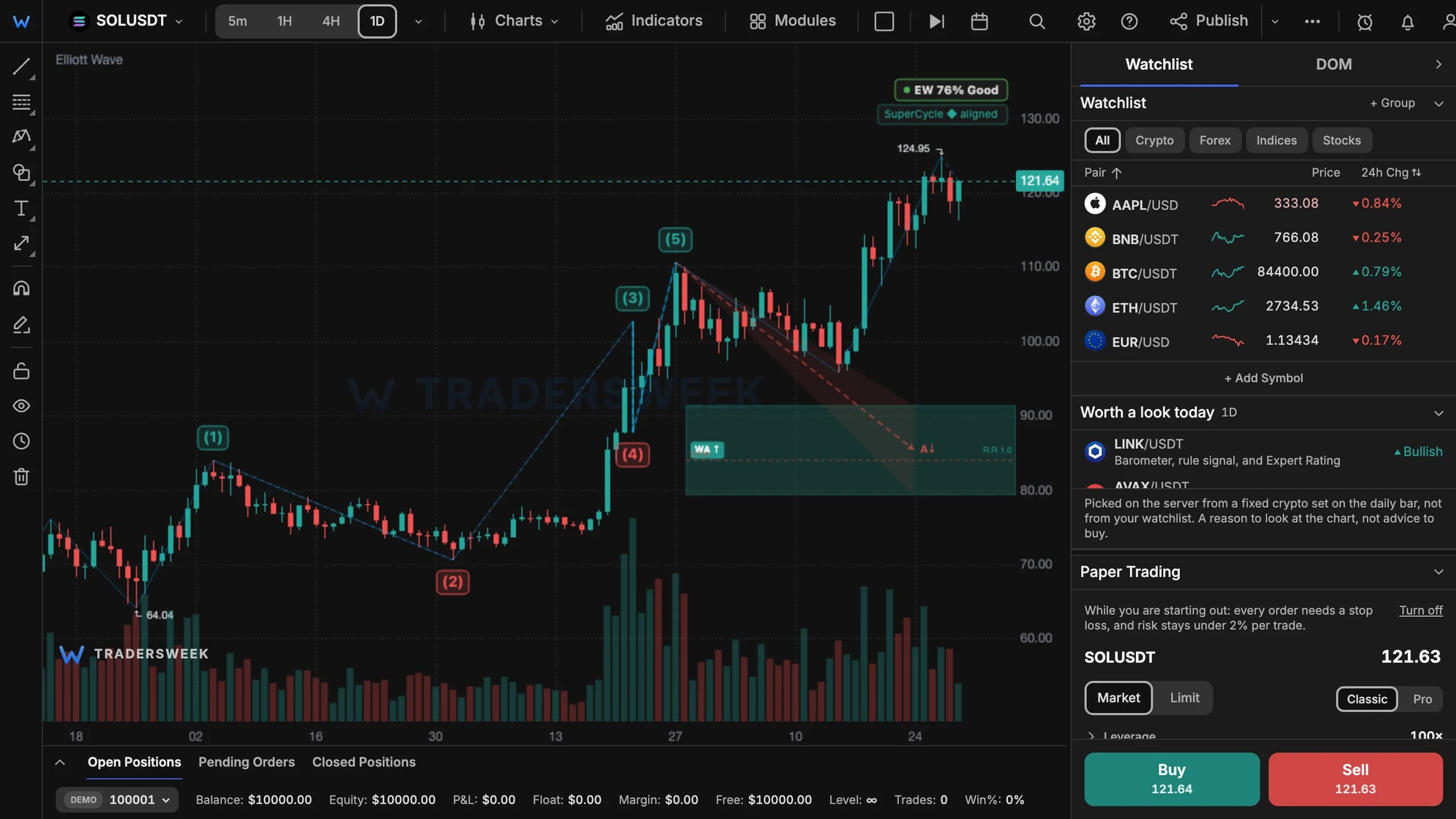
The Elliott Wave summary now lists every valid count and how many of them expect the market to go up or down, and Fire Map target clusters say how many counts agree on each zone. In multi-chart layouts, the count stays on the chart where you switched it on.
One count, or many that agree?
Any wave chart can be read more than one way. A view is stronger when several valid counts point the same way, and weaker when they split. Two additions make that visible:
- The Summary has a Counts section that lists every valid count with its score and shows how many expect the market to go up and how many down.
- Fire Map target clusters say how many counts agree on each zone — for example '3/4 agree' — so a target several counts share stands out from one that only a single count supports.
Stays where you put it
In two- and four-chart layouts, Elliott Wave used to follow whichever chart was active, unlike the other modules. It now stays on the chart where you switched it on. On phones, the back button closes a module's window instead of leaving the page.
The Summary is part of the EW Inspector and the Fire Map is a Premium layer — both free for every signed-in account until 1 January 2027. Open Modules → Elliott Wave in the terminal.