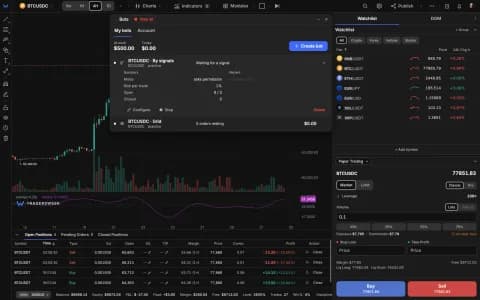
Drawing tools: shared markup across related symbols, groups, multi-select and labels on lines
Link related symbols and your drawings appear on all of them. Group drawings under a name, select several with Shift and move them together, put text and the price on a line, size a position right on the Long/Short tool, and snap angles with a magnifier on your phone. Forex charts can show bid and ask lines.
One markup for related symbols
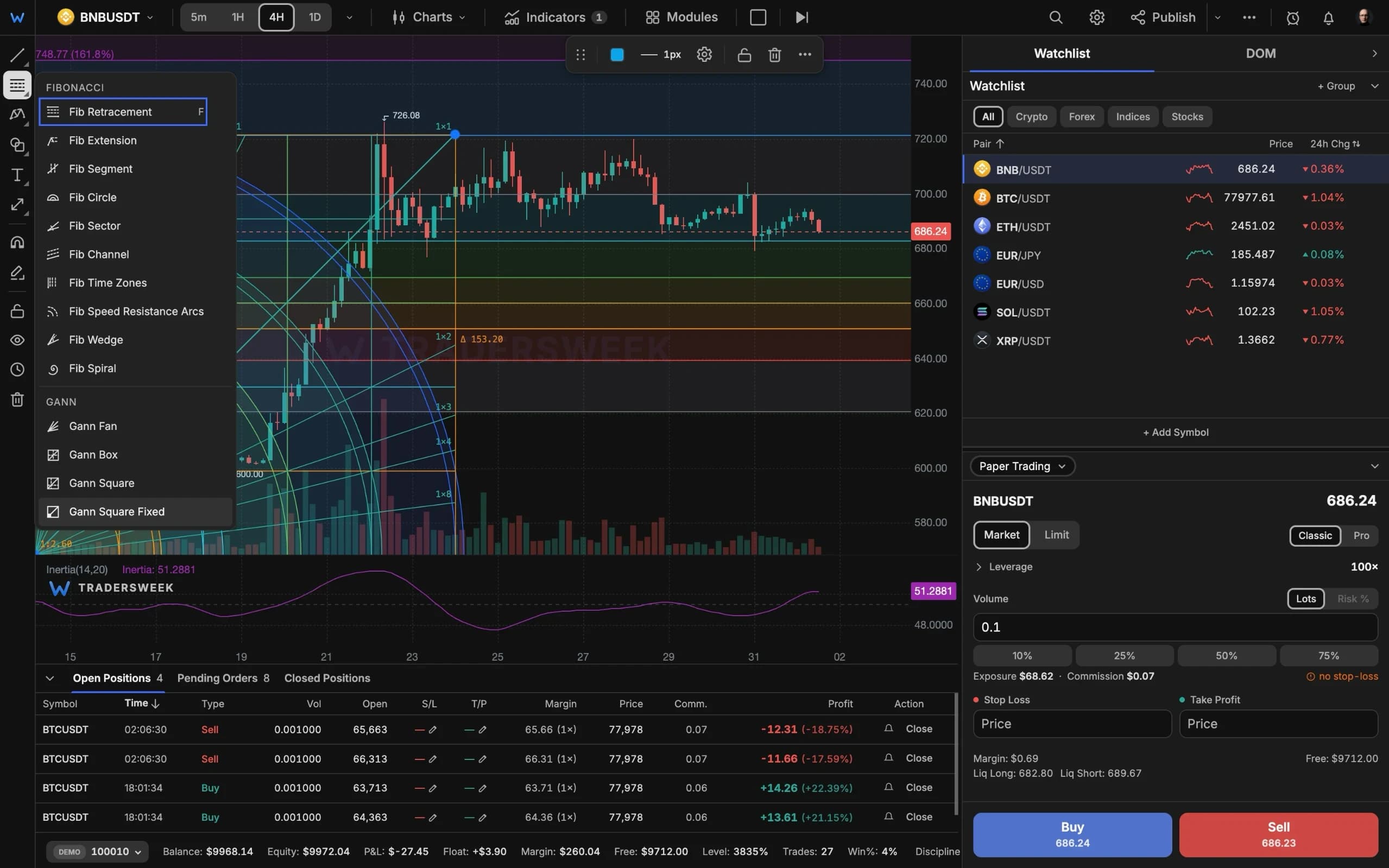
The same market often has several symbols: a spot pair and its perpetual, a coin against USDT and against USDC, gold from two feeds. Shared drawings links them, so drawings made on any of them show on all, each marked 'Drawn on' with its symbol. Metals, oil, gas and copper and the stock contracts come linked already. You can copy a drawing to just one symbol or unlink at any time. Feeds can differ slightly — about 0.1–0.2% for gold, more for oil — and the panel says so.
Work with many drawings at once
- Groups: gather drawings into a named group, rename or ungroup it; groups appear as headers in the object list and sync with your account.
- Multi-select: Shift + drag draws a selection box, Shift + click adds or removes a drawing; drag one and they all move, in a single undo step. Lock, hide or delete the selection together.
- Labels on lines: trend lines, rays, segments and horizontal lines can carry text — left, centre or right, above or below — and show their price on the scale.
- Undo for settings: changes made in a drawing's settings, such as Fibonacci levels or wave degrees, now undo with one Ctrl+Z.
From drawing to trade
The Long/Short tool now shows the position size for the risk you set — a percentage of the account or a dollar amount — and Send order from this drawing places it on the demo account after a confirmation, with entry, stop and target taken from the drawing.
Precise on a phone, honest on forex
- Snap angle turns a line within 3° of level, vertical or 45° into exactly that — on by default on phones, with Shift on desktop — and a 2× magnifier with a crosshair appears under your finger while you place a point.
- Forex charts can show Bid / Ask lines (under price marks in the chart settings), and the quote shows the spread in points.
All of this is free. Open the terminal and start drawing.