All your exchange accounts in one panel, and a journal that copies your real trades
Connect your exchange API keys under My exchanges and the new All accounts panel shows positions, orders and exposure across every key in one place. A journal copies your real trade history from the exchanges, measures each trade in R and exports to CSV. Testnet and demo accounts can already trade from the terminal's Exchange ticket.
Every account, one screen
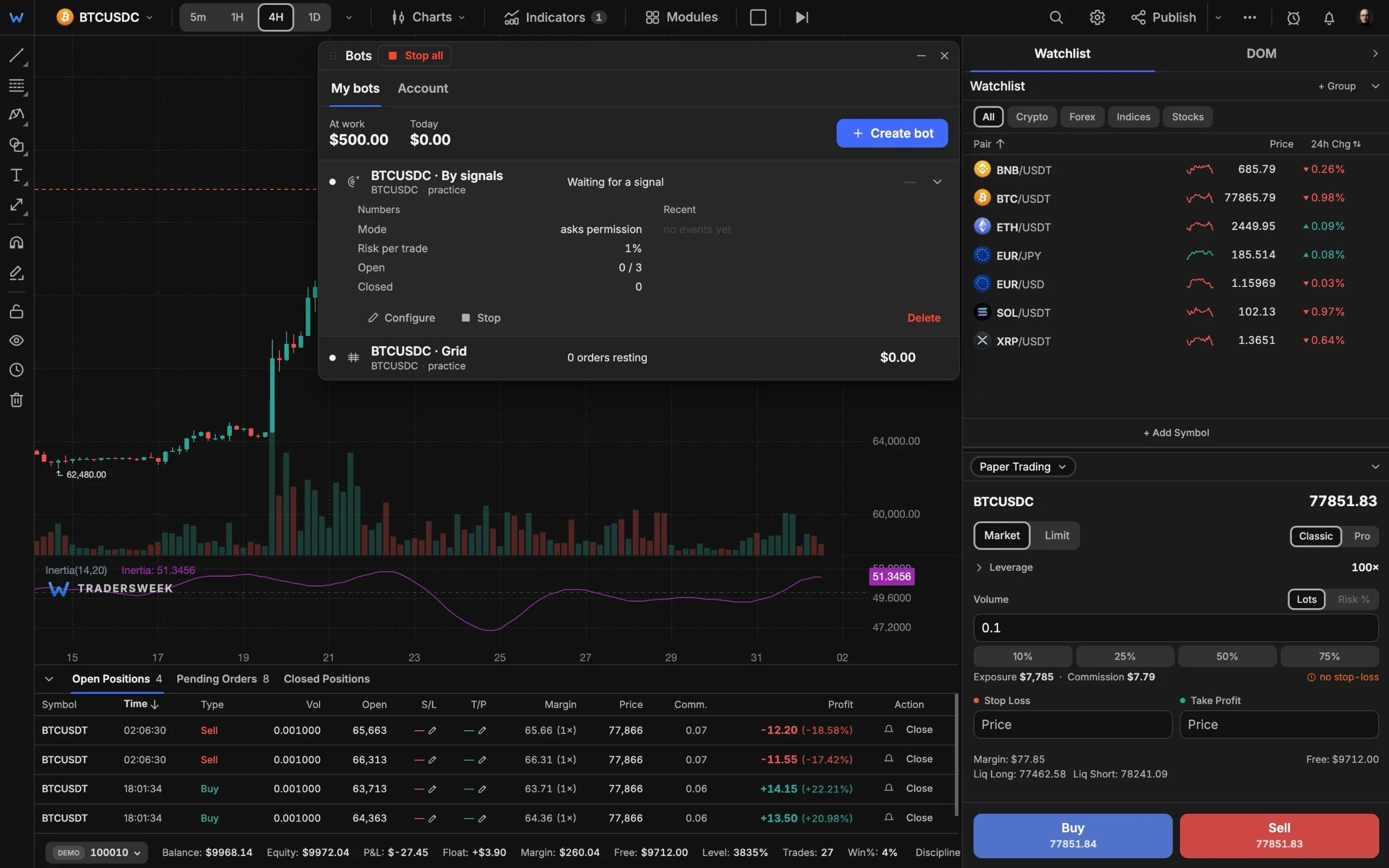
Traders who use more than one exchange end up with a tab per exchange and no total. Connect your API keys under My exchanges and the new All accounts panel brings them together: positions, open orders and exposure across every key, including on-chain perpetuals wallets, refreshed every 15 seconds. Close a position or cancel an order right there, and hide test accounts when you want to see only real money.
A journal you don't have to fill in
- Our server copies your trade history from connected exchanges every 15 minutes — futures and spot — and keeps it even after you remove the key.
- Each trade is measured in R, from the order's stop or a stop you type in afterwards, with your average R and P/L checked against the exchange.
- Download CSV exports the lot for your spreadsheet or tax software.
Trading from the terminal: practice first
The ticket has a new Exchange mode with your account's positions, orders and fills in the dock and lines for entry, stop and target on the chart. Exchange testnet and demo keys can trade through it today. Trading with real-money keys opens once we've finished testing it on our own accounts; until then the terminal says so instead of sending the order. Keys that allow withdrawals are never accepted.
All accounts and the journal are free with an account. Open them from the terminal.