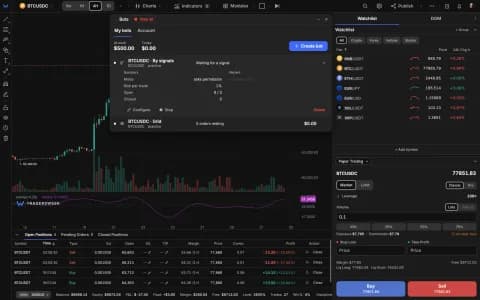
Alerts: browser push, one-click restart and a full list on mobile
Terminal alerts can now arrive as push notifications even when the terminal is closed. A triggered alert restarts in one click, the list works on your phone, scanner alerts speak only when something new happens, and a clear badge marks any alert that won't fire.
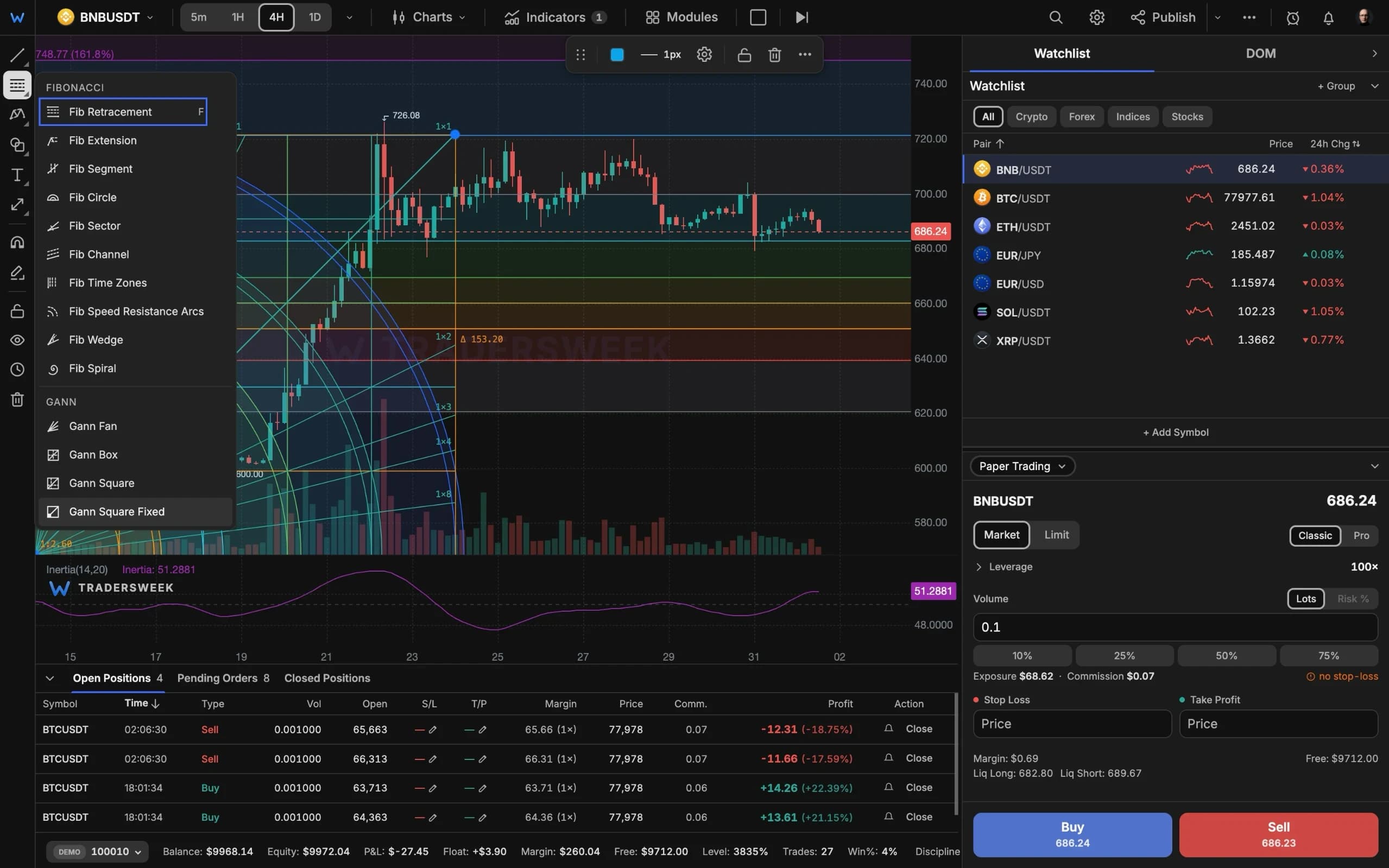
Push notifications
The alert dialog has a new delivery channel: Push. Tick it and the alert arrives on this device even when the terminal is closed. It sits next to the channels you already had — in-app, sound, email, webhook and Telegram. On iPhone and iPad, add TradersWeek to the Home Screen first; the dialog tells you if your browser can't receive push or if you blocked it.
On the site, Dashboard → Notifications has one switch for browser push and two below it: alerts from the terminal, and streak reminders and Risk Guardian. Keep one, both or neither.
Less clicking, fewer surprises
- Restart. A triggered or expired alert now has a Restart button. It re-arms the same alert in place, with its settings and delivery history, instead of making you build it again.
- Alerts on your phone. The mobile More panel has an Alerts row that opens the full list.
- A badge when an alert can't fire. If an alert is over your plan's limit, needs an add-on you no longer have, or watches a symbol with no live feed, the list marks it 'not firing' and says what to do.
Quieter where it should be
- Scanner alerts fire only on a new signal. The same direction stays silent until the symbol has been quiet for eight closed bars; a flip to the other direction alerts at once.
- Email, Telegram, webhook and push are each capped at 30 alerts an hour. Anything beyond that arrives as one summary at the end of the hour, naming the busiest symbols. The in-app bell and sound are never capped.
- Webhook addresses for the scanner, Expert Pro and Ichimoku Pro are stored encrypted on our server instead of in your browser. An address you had saved before moves over automatically.
Set an alert from any price level, drawing or module in the terminal.