Interactive Brokers enhances alert experience in IBKR Desktop platform
Interactive Brokers' IBKR Desktop build 3.6 expands the Notification Center with Daily P&L and Margin Cushion alerts, round-the-clock monitoring and per-alert email settings.
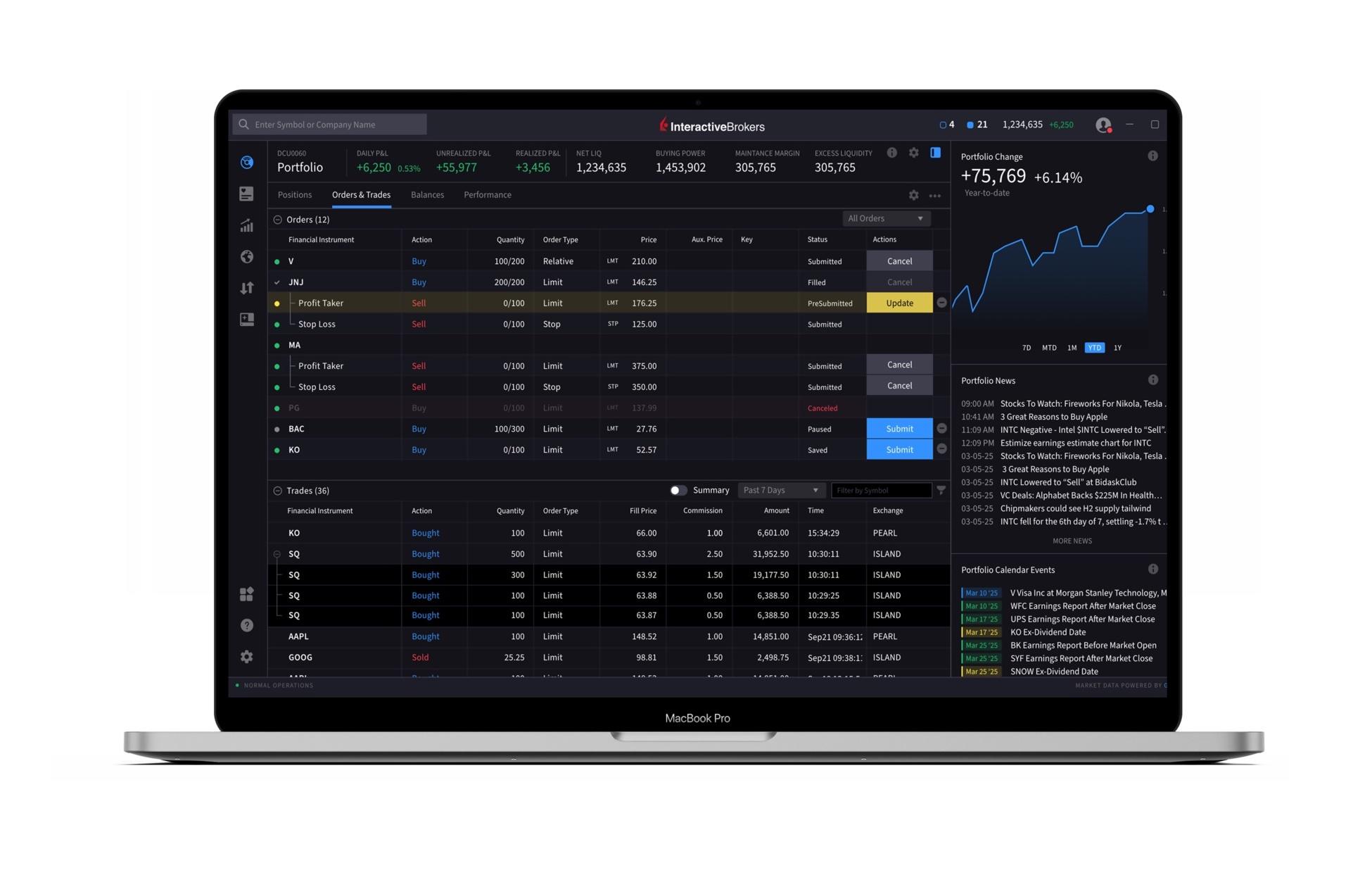
Interactive Brokers has released build 3.6 of its IBKR Desktop platform, bringing a revamped alert experience to the Notification Center. The brokerage said the update is designed to make alerts quicker to reach and more capable for active traders.
The expanded alert system now supports account-level metrics, including Daily P&L and Margin Cushion, alongside existing instrument-based conditions such as price, percentage change, volume, fee rate and shortable shares. Users can also configure alerts to monitor conditions around the clock through a 24 Hour Alerts option. In addition, email delivery can be set for each alert individually, giving users more control over when and how they are notified.
Access to alert settings has been streamlined. View Alerts and FYI Delivery Preferences have been moved to the left pane of the Notification Center. To create an alert, users open the Notification Center, select My Alerts and click +New Alert. They then choose a condition under Instrument or Account, set the parameters, optionally enable 24 Hour Alerts and select an email delivery preference for that specific alert.
Build 3.6 follows other recent additions to IBKR Desktop. Chart Trading, also described as Instant Trading, is now integrated with the platform, allowing users to place, modify and manage orders directly from the embedded TradingView chart. Traders can enable Buy/Sell buttons for quick order entry and optionally activate One Tap Trading, which submits orders without confirmation. Order placement and modification on the chart also no longer block the user interface, which Interactive Brokers said provides a smoother trading experience.
The release extends Interactive Brokers' ongoing work on the desktop trading experience, combining alert customization with chart-based order management.
Source: FX News Group