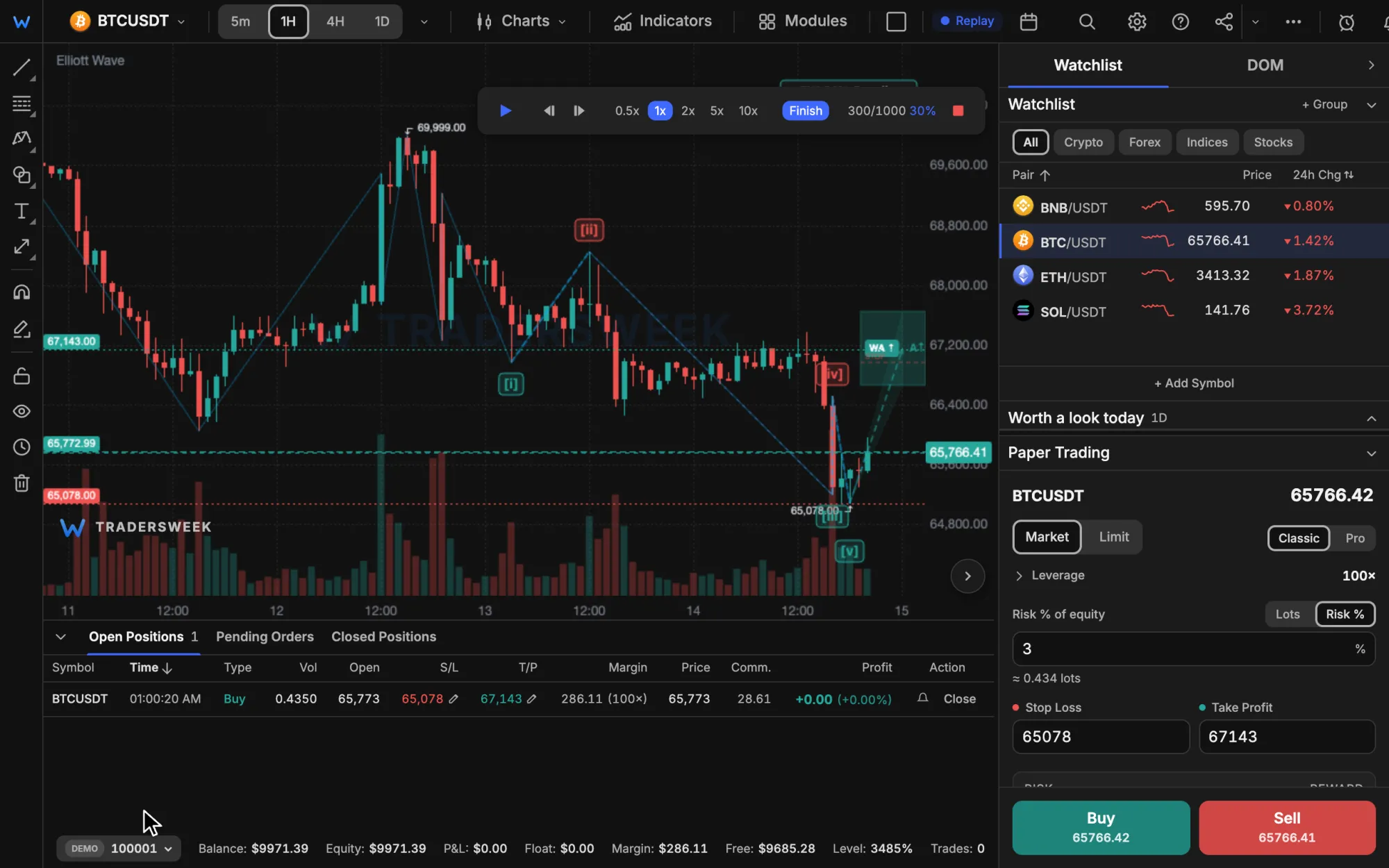
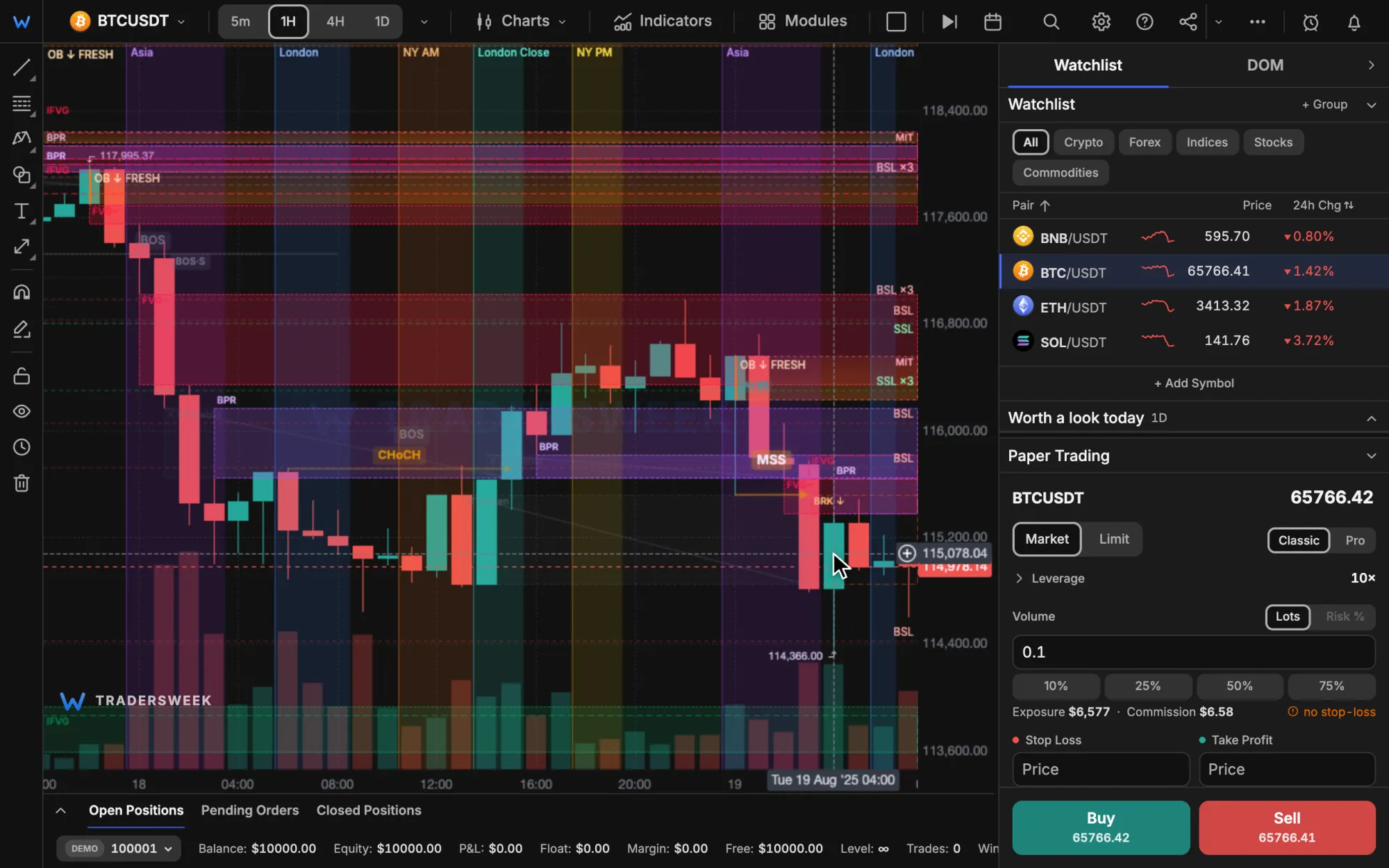
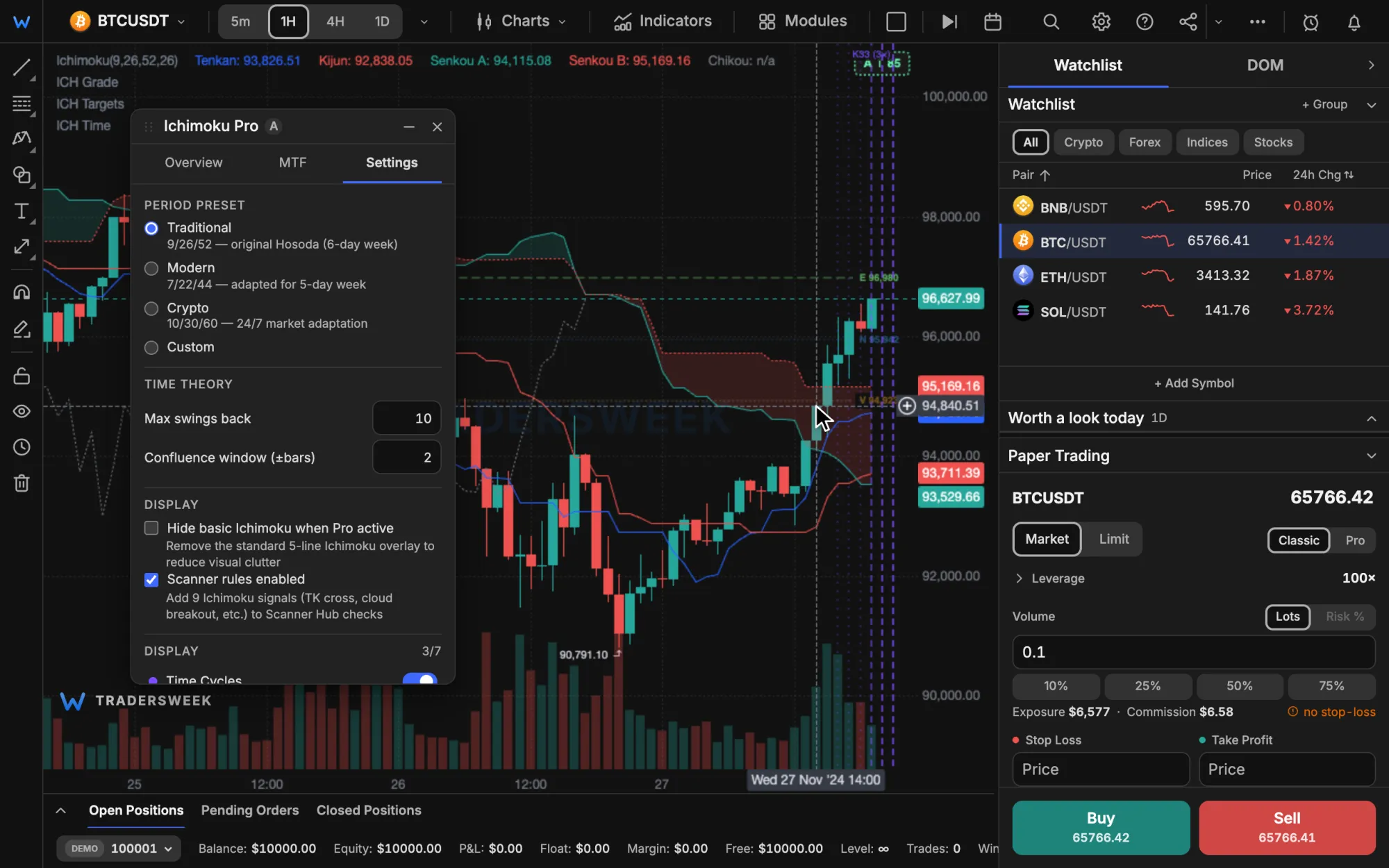
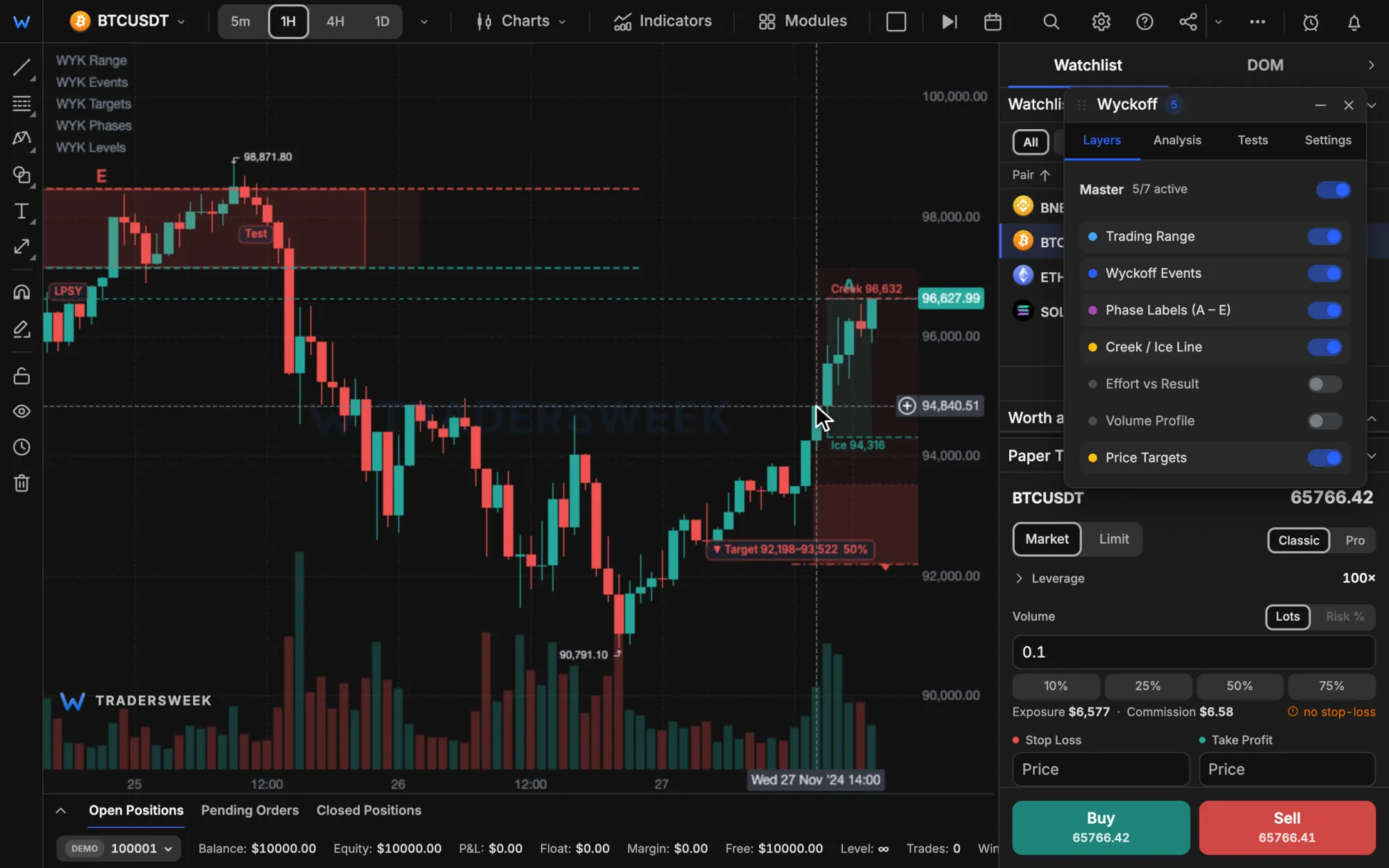
 BTCUSDT 1H, same tab: Elliott count and a demo order
Browser trading terminalYour whole desk
in one tab.
Charts, 123 indicators, a signal scanner, a strategy tester, bots and a $10,000 demo account work on the same candles in your browser. Nothing to install, and a chart opens without sign-up.
Open a link.
Pay for the rest later.
TradersWeek is a charting terminal that runs in the browser. Each row below opens more of the same screen: you never move to another app, only to a bigger plan.
No sign-up
Live charts in 12 types, all 82 drawing tools, bar replay, the Elliott wave count and a $10,000 demo account.The demo lives in this browser, and its stops fire while the tab is open.
Free account
Indicators and candle patterns on the chart, 2 indicators at a time, 5 script conversions a month, and a demo account kept on the server.Server stops fire with the tab closed. Trades go to the journal and earn TW.
Pro, $30 a month
Up to 6 charts in one tab, 10 indicators on each, the scanner, Strategy Builder, bots and 10 alerts on drawings.Methodology modules are sold one by one as add-ons to Pro.
Premium, $120 a month
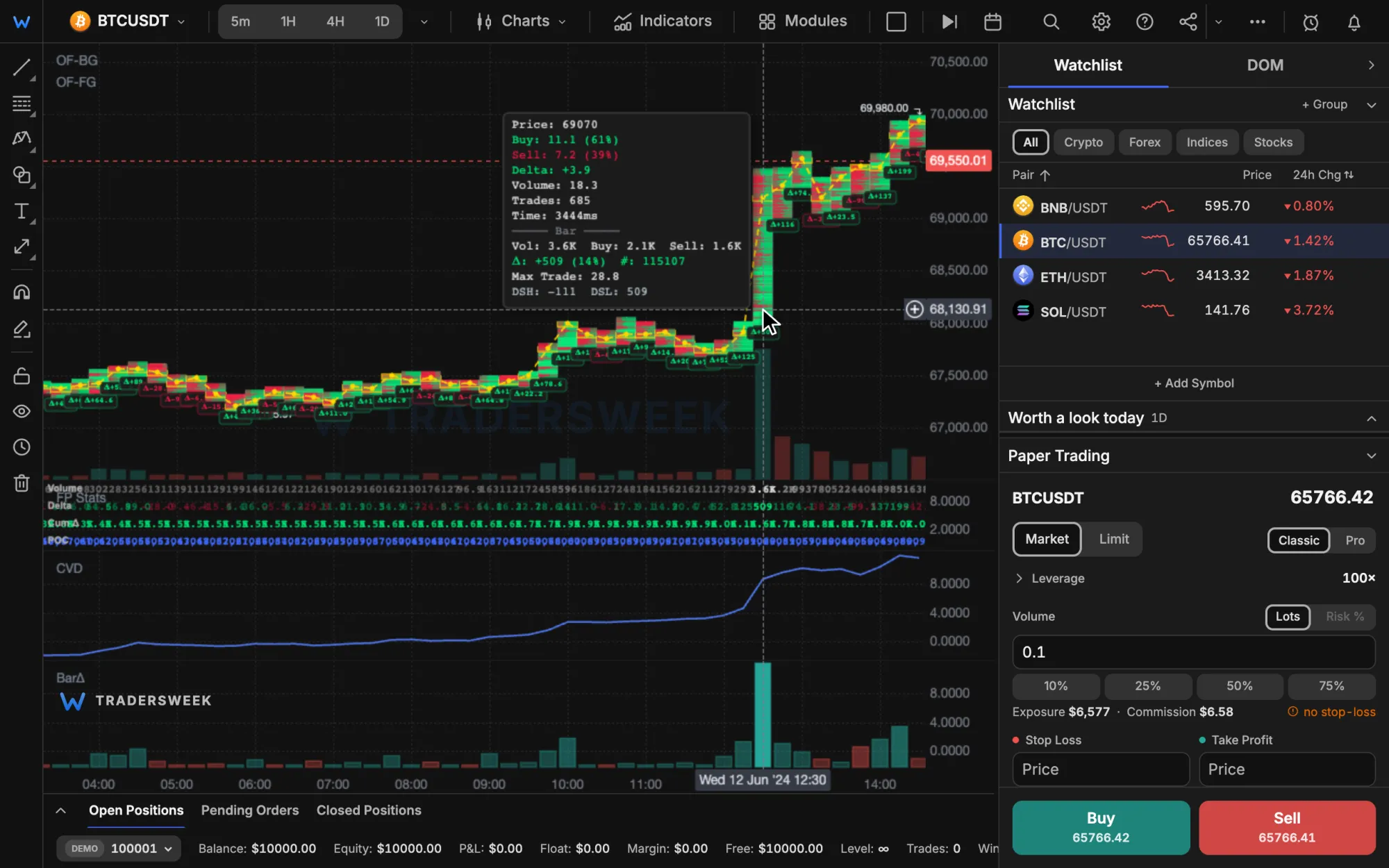
All 9 methodology modules, 20 indicators on a chart and 50 drawing alerts.Order Flow, the Elliott Inspector and Cycles come only with Premium.
Four edges.
One chart between them.
Every tool docks to the same screen, so a signal, a drawing and an order sit on one set of candles. Nothing opens in a new window.
- Top bar
- Symbol, 14 timeframes, 12 chart types, indicators, modules, chart layouts and replay.
- Left rail
- 82 drawing tools in six groups, a magnet, and one click to lock, hide or remove everything drawn.
- Right column
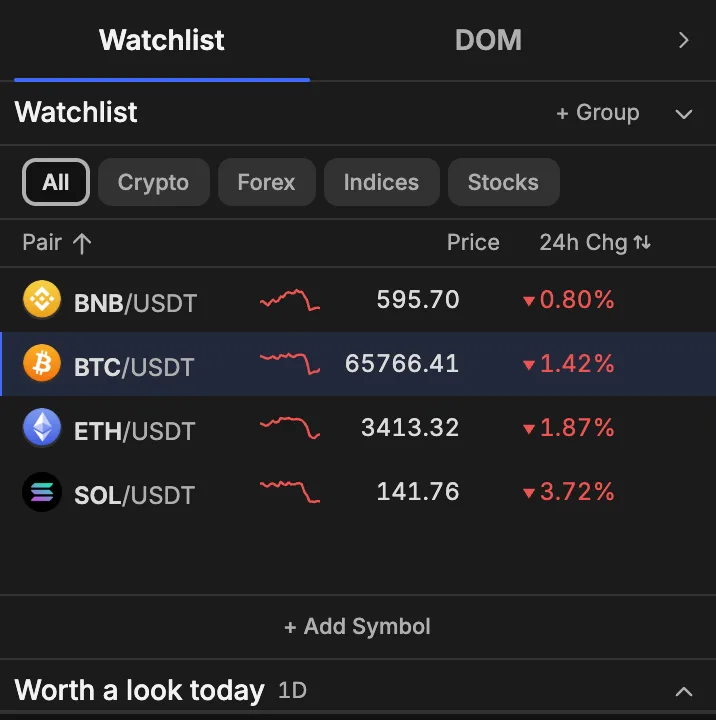
- Watchlist by market, a live order book on crypto, today's picks and the demo order ticket.
- Bottom strip
- Open positions, pending orders and closed trades, with balance, equity and margin in one line.
Ten tools.
One chart.
Each one reads the same candles and draws on the same chart. Every row is its own page with the details.
- 12Chart typesUp to 6 charts on a screen, 14 timeframes, bar replay.
- 123IndicatorsBuilt in, every one on the free plan, 2 at a time on a free chart.
- 82Drawing toolsFibonacci, forecasts that grade themselves, alerts on lines.
- 127Patterns85 candle, 26 chart and 16 harmonic patterns found on the chart.
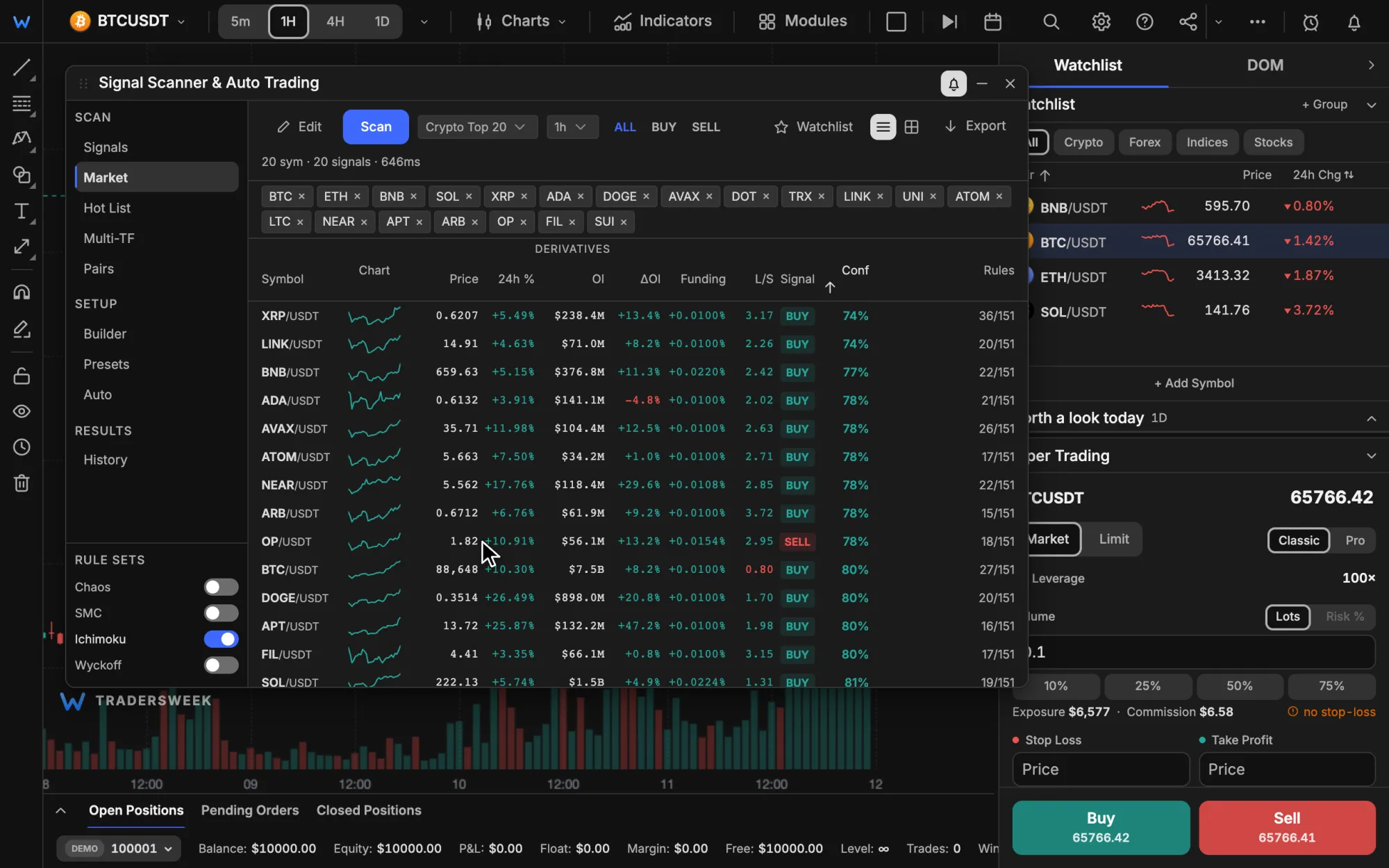
- 166Scanner rulesRanks a list of markets by how strongly the rules agree. Pro, $30 a month.
- 40Strategy presetsBacktest with costs, walk-forward and Monte Carlo. Pro, $30 a month.
- 4Bot typesGrid, averaging, signal and webhook bots, with grid and averaging trading live through your own exchange key. Pro, $30 a month.
- 6Script languagesPine Script, MQL and others onto the chart. 5 conversions a month free.
- $10,000Demo accountLive prices, a short review after every closed trade.
- 9MethodologiesElliott count free, the rest as add-ons or in Premium, $120 a month.
Sign in once.
Your list follows you.
With a free account, the watchlist, indicator settings, chart templates, drawings and chart layouts are saved to the account and open on the next computer or phone. Up to 50 groups of 500 symbols each.
A phone and a computer each keep their own chart layout; drawings and the rest are shared. Signed out, everything stays in the browser where you made it.
What each plan
holds.
Free here means a free account. Without one, the chart, drawings, replay and the demo account work in the browser, and indicators and patterns ask you to sign in.
| On the desk | Free | Pro, $30 | Premium, $120 |
|---|---|---|---|
| Charts in one tab | 1 | 6 | 6 |
| Indicators on a chart | 2 | 10 | 20 |
| Active alerts | Not included | 10 | 50 |
| Scanner, Strategy Builder, bots | Not included | Included | Included |
| Methodology modules | Elliott count | $25 add-on each | All 9 |
| Script conversions | 5 a month | No limit | No limit |
Terminal questions
- Do I need to install anything?
- No. The terminal runs in a browser tab. On a narrow screen it switches to a phone layout with four tabs: chart, watchlist, trade and more. There is no desktop app.
- Which markets can I chart?
- Crypto live from Binance, US stocks and ETFs as Binance perpetual contracts, and forex, metals and indices through a MetaTrader bridge.
- Can I trade real money from the chart?
- Not by hand. Orders from the chart go to the $10,000 demo account. Real orders come only from the grid and averaging bots, through your own API key on Binance, Bybit, or OKX, on Pro, $30 a month.
- Which languages and themes?
- The interface comes in 14 languages, in a light and a dark theme.